Inspired by Vim & Vimium · macOS

Vimium, but for
your Mac windows

You know how Vimium drops a letter on every link so you can jump there without touching the mouse? Ankylix does that for your windows. A hint appears on each window and tiling zone — press the key, and you're there.

Built for keyboard people · macOS 13+ · One-time purchase · Needs Accessibility & Input Monitoring

Ankylix showing letter hints over a macOS desktop in tiling layout mode

See it in action

One idea across every mode: a hint on each target, and your keyboard does the rest.

Hints for everything on screen

Same idea as Vimium's link hints — a letter on every target. Press it. Done. Your hands stay on the home row.

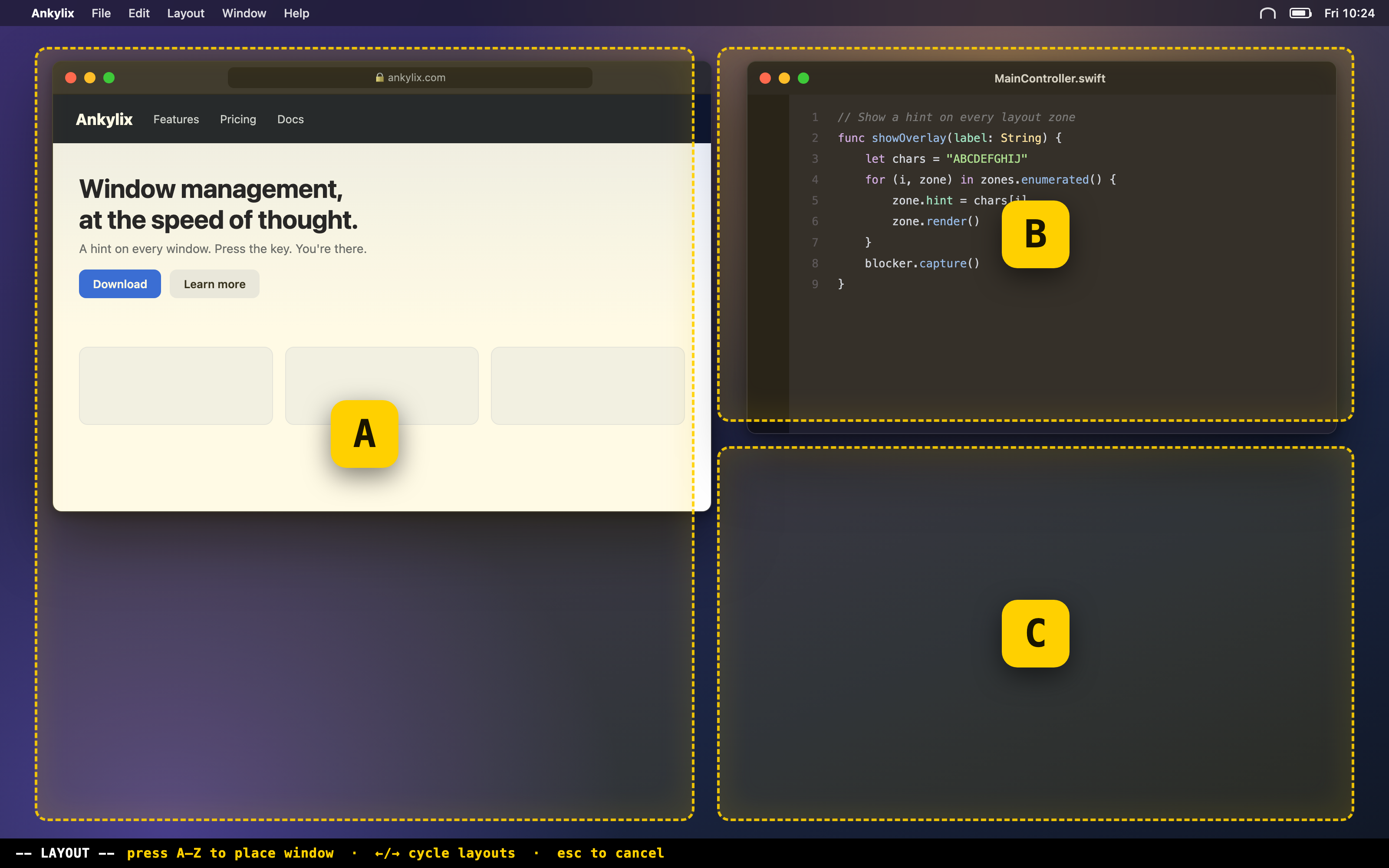
Tiling layouts

Trigger a layout, then press a letter to drop the active window into any zone. Cycle through layouts and screens on the fly.

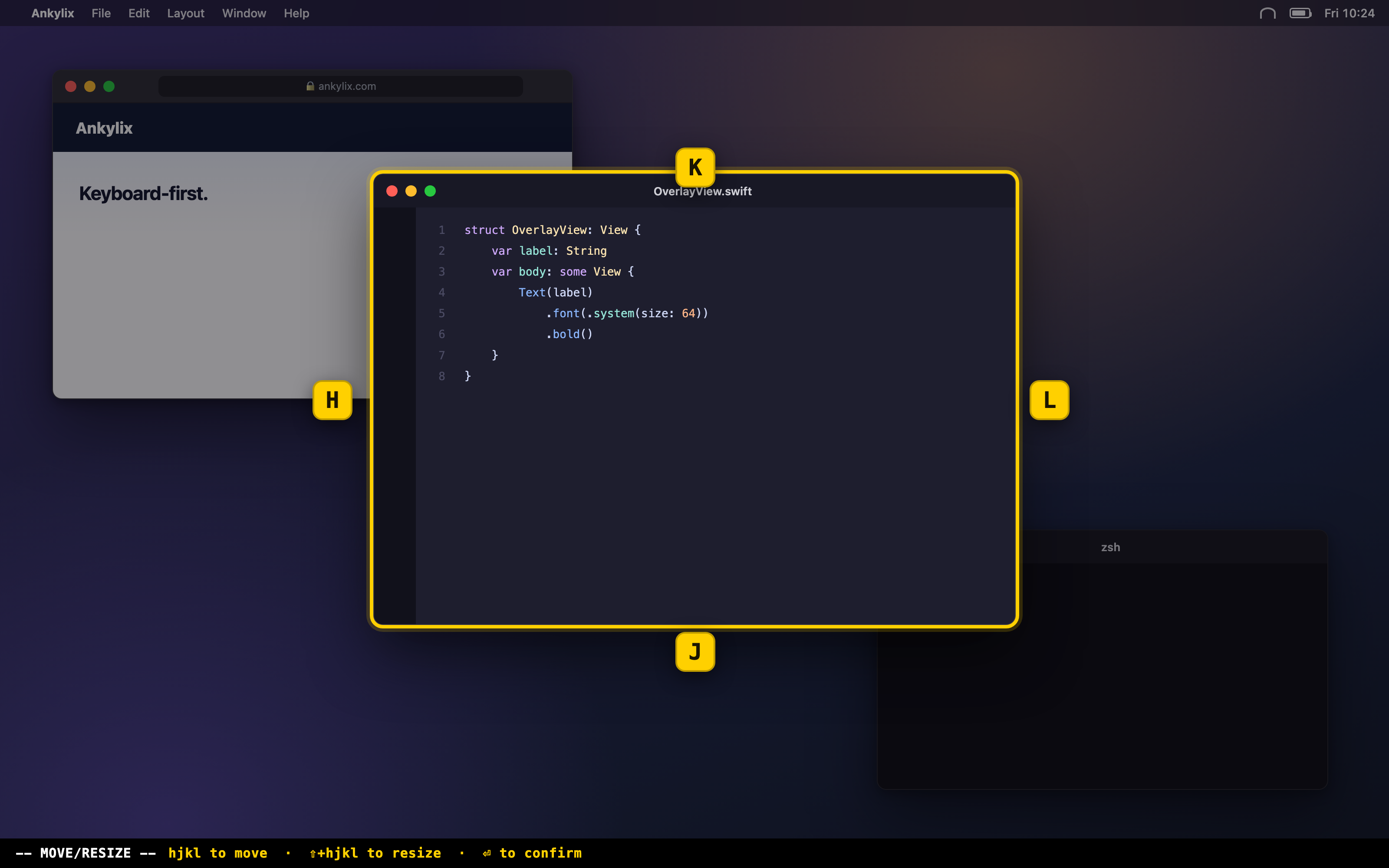
Move & resize mode

Nudge, grow, halve or center the focused window with the keyboard. Fully customizable appearance and shortcuts.

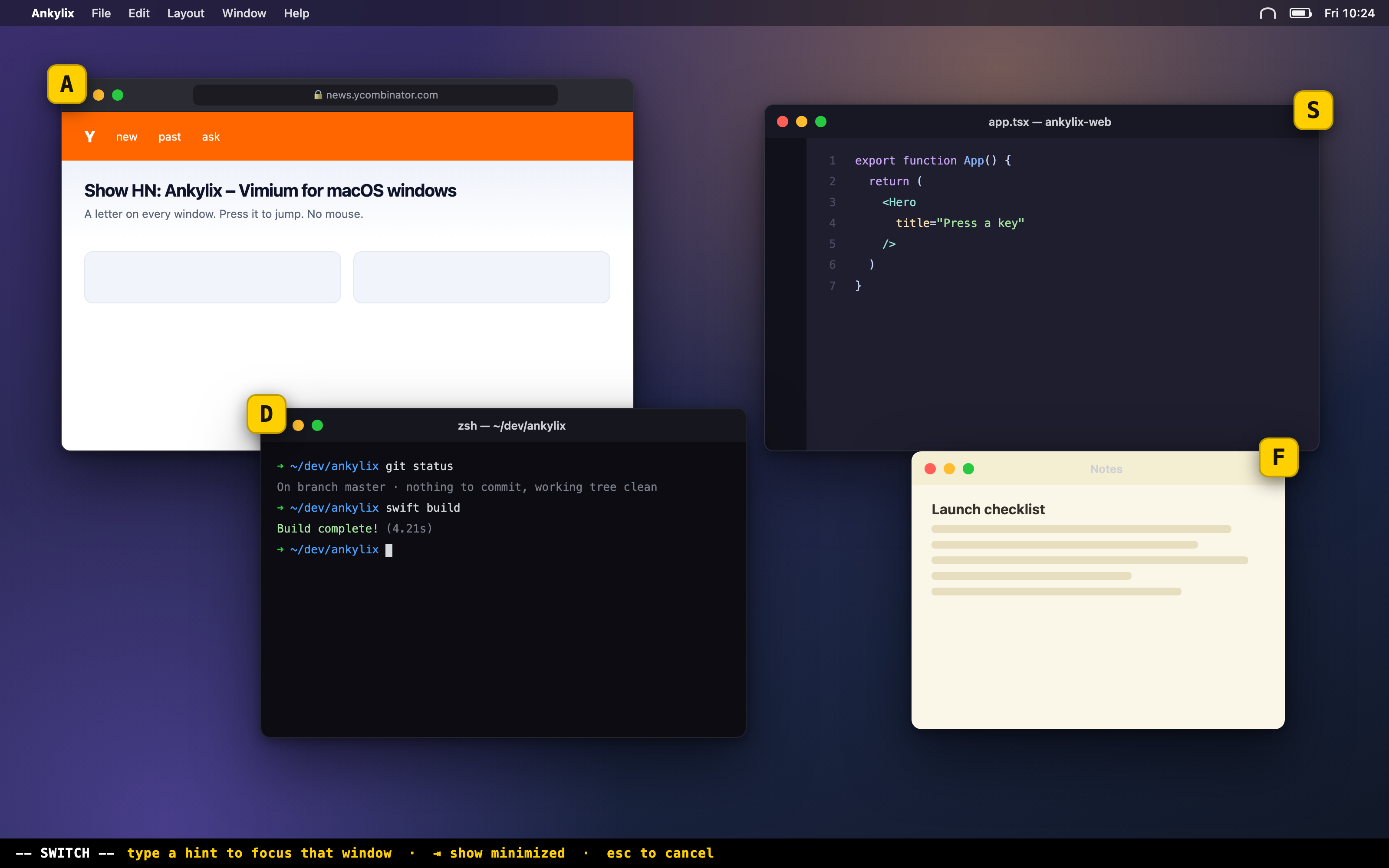
Window switcher

Show a labelled overlay on every visible window and jump to it instantly — plus a panel for minimized windows.

🎨

Custom themes

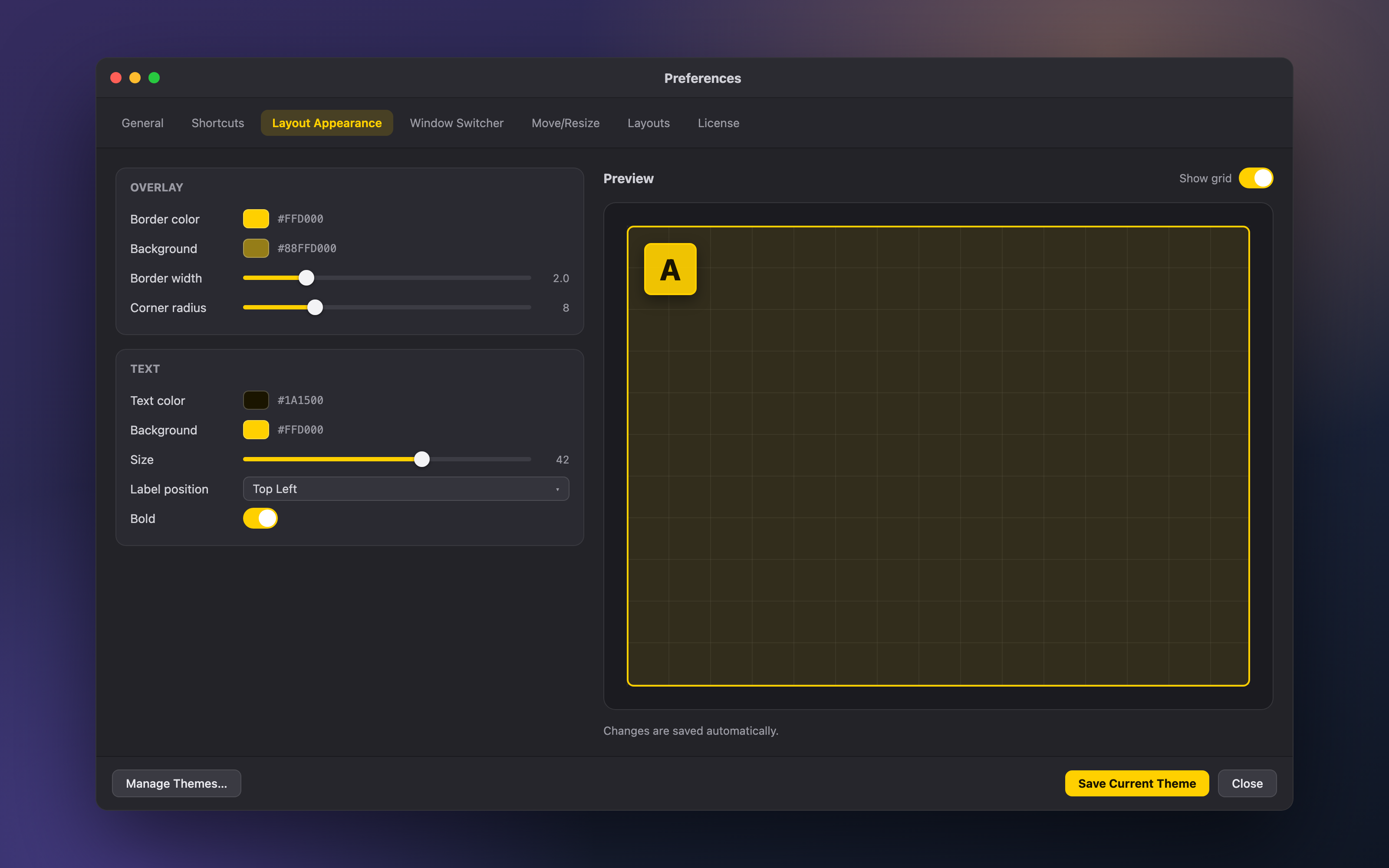
Colors, sizes, borders, label position — tune every overlay to match your taste, and save your own themes.

⌨︎

Global shortcuts

Rebind every action to whatever keys feel natural. Ankylix stays out of your way until you call it.

Lightweight & native

A fast, native macOS menu-bar app. No Electron, no background bloat, no telemetry.

Trigger → hint → key

The exact muscle memory you already have from Vimium, now for your whole desktop.

1

Trigger

Hit your global hotkey to enter a mode — tiling layouts or the window switcher.

2

Read the hint

A letter overlay appears on every window and zone, just like link hints in your browser.

3

Press the key

The window snaps into place or comes to focus — instantly, mouse untouched.

Made for keyboard people

If you live in Vim, Vimium, tmux or a tiling WM, Ankylix will feel like home on day one.

Home row, always

Reaching for the trackpad to move a window breaks your flow. Ankylix keeps the whole desktop one keystroke away.

Modal by design

Distinct modes for tiling, move/resize and switching — like Vim's modes. Enter a mode, act, exit. No accidental clicks.

Rebind everything

Every trigger and in-mode key is yours to map. Bring your own muscle memory; Ankylix adapts to it.

Simple, honest pricing

One payment. Yours forever. Try it free for 14 days first.

Ankylix License
$19 USD
one-time payment · lifetime license
  • All current and future 1.x updates
  • Use on your personal Macs
  • 14-day free trial, no card required
  • Secure checkout via Paddle
Buy Ankylix — $19
🔒 Payments handled by Paddle, our authorized reseller.

Ready to fly through your windows?

Download Ankylix and try every feature free for 14 days.

🔐

Two quick macOS permissions. Like every keyboard window manager, Ankylix needs Accessibility (to move, resize and focus your windows) and Input Monitoring (to read your keys in move/resize mode). On first launch it guides you to enable them in System Settings → Privacy & Security, and Preferences shows their status live. No Screen Recording, no analytics, no tracking — everything runs on your Mac.

Frequently asked questions

Is it like Vimium, but for windows?

Exactly. Vimium puts a letter hint on every link so you can jump there from the keyboard. Ankylix puts a letter hint on every window and tiling zone — press the key to focus it or snap a window into place. Same muscle memory, applied to your whole desktop.

How does the free trial work?

Download Ankylix and use every feature free for 14 days — no credit card needed. When the trial ends, buy a license to keep using it.

How do I activate my license?

After purchase, Paddle emails you an Order ID that starts with ord_. Open Ankylix → Preferences → License, paste the Order ID, and click Activate.

Is it a subscription?

No. Ankylix is a one-time purchase of $19. You own the license and get all 1.x updates.

Does Ankylix need any system permissions?

Two, both standard for a keyboard window manager. Accessibility lets Ankylix move, resize and focus your windows and run its global shortcuts. Input Monitoring lets it read your key presses while you're in move/resize mode. macOS prompts you on first launch and opens the right settings pane for each; you can also see both, with a live status indicator, under Preferences → General → Permissions. Ankylix needs no Screen Recording access, runs no analytics and tracks nothing — everything runs locally on your Mac (it only contacts the network to check for app updates, which you can disable).

Which macOS versions are supported?

macOS 13 (Ventura) and later.

How do updates work?

Ankylix updates itself automatically and securely from within the app. You'll always be on the latest version.
Support

Help comes straight from the developer — typically within one business day.

✉︎

Email support

Questions, bug reports or feedback? Write to support@ankylix.com. Include your macOS version and what you were doing — it helps us help you faster.

🔐

Setup & permissions

Trouble enabling Accessibility or Input Monitoring, or activating a license? The FAQ has step-by-step answers for the most common cases.

💳

Billing & refunds

Payments, invoices and refunds are handled by Paddle, our authorized reseller. For a receipt or a refund, email us with your order ID (ord_…) and we'll sort it out.