Ankylix lives in your menu bar and adds three keyboard modes to macOS. Each one puts a letter hint on screen — press the key and you're done. Here's how each mode works.
Two one-time steps make everything work:
Snap the focused window into a predefined zone. Trigger a layout and Ankylix draws every zone with a letter hint over your screen; press the letter to place the window there.
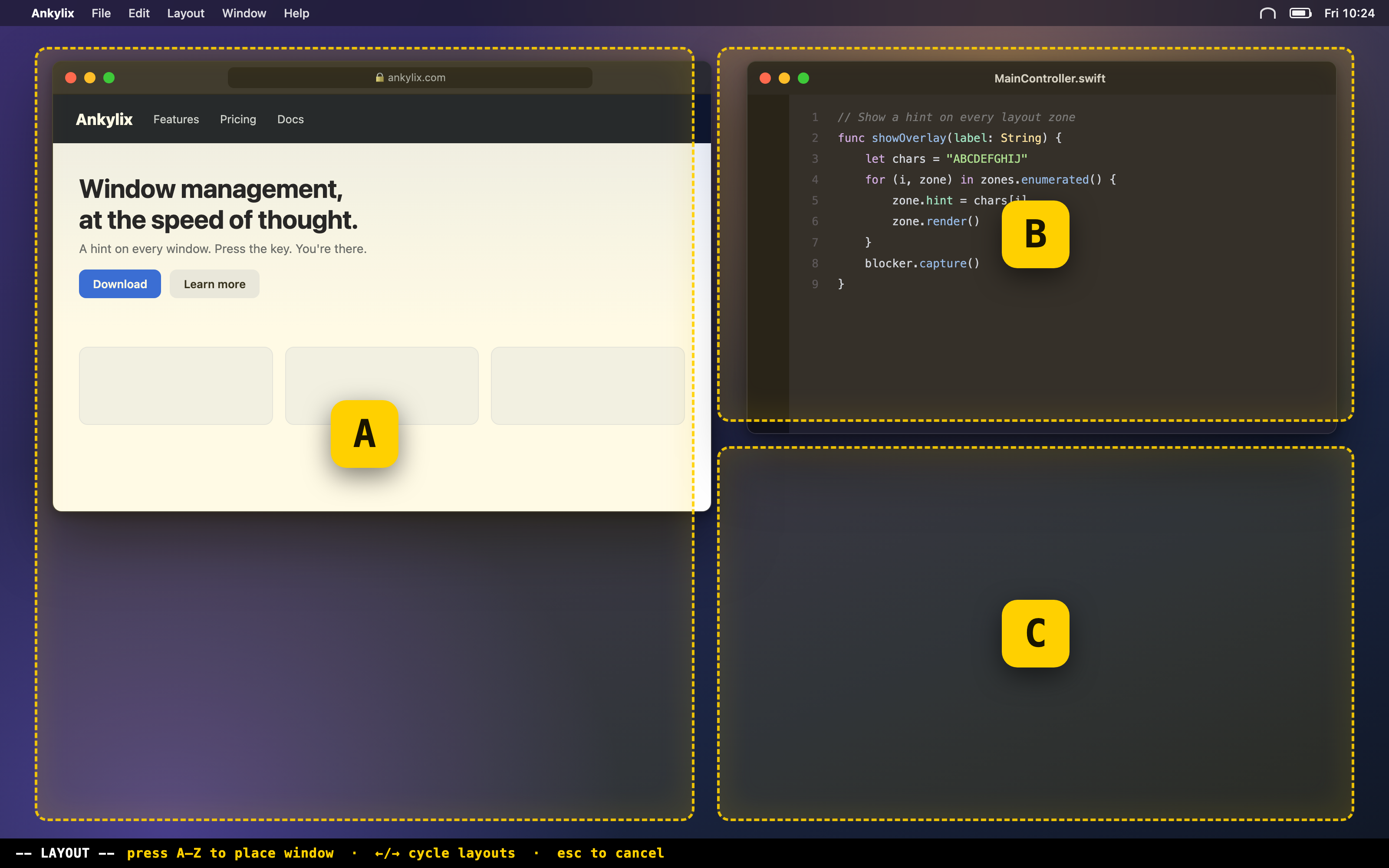
| A–Z | Place the window in the matching zone. |
| ↑ / ↓ | Cycle to the previous / next layout (configurable). |
| ← / → | Move to the previous / next screen (configurable). |
| esc | Cancel. |
A modal mode for fine-tuning the focused window from the keyboard — nudge it around, then resize it, without touching the mouse. While you're in this mode the rest of the screen dims so you stay focused.
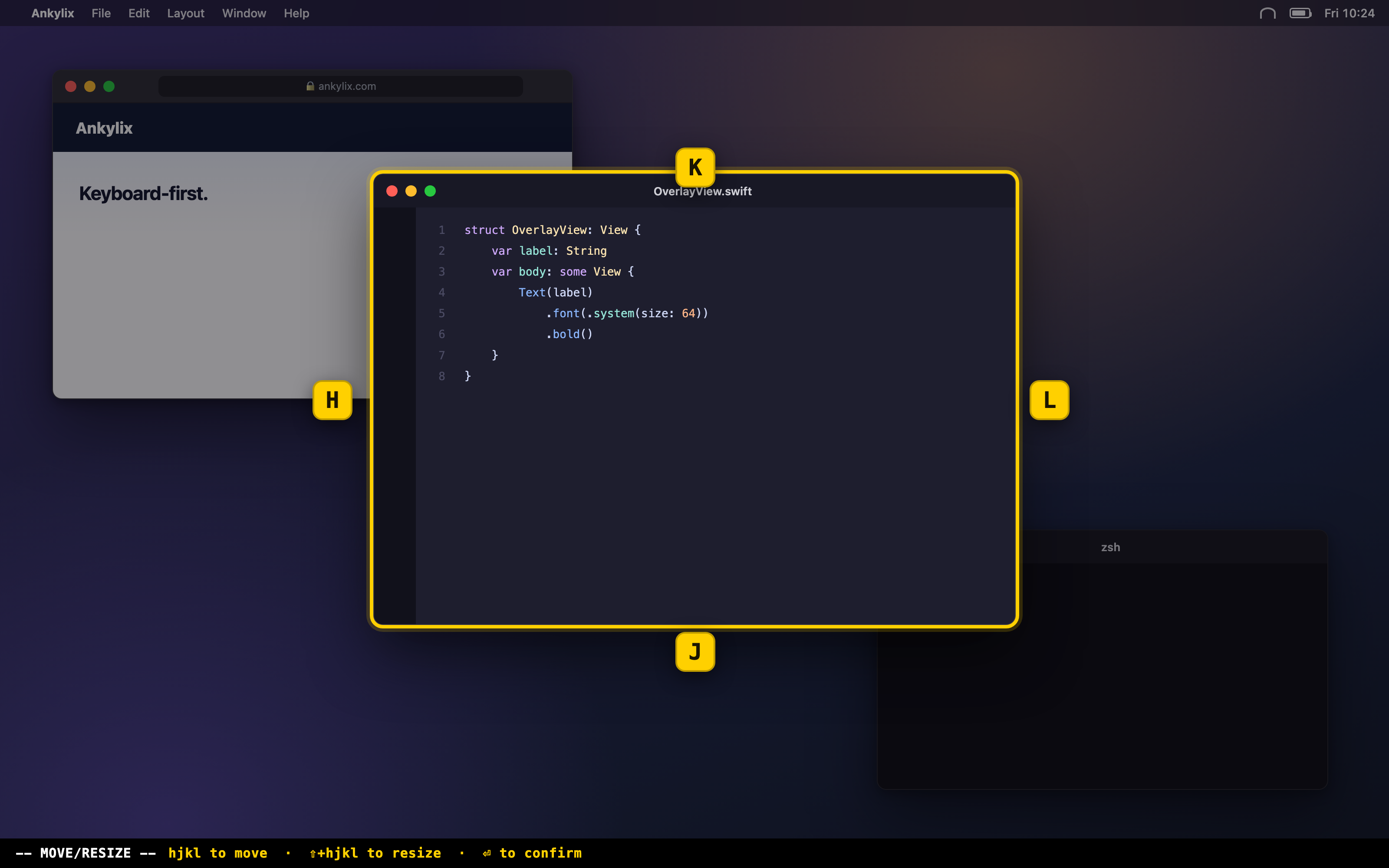
| Direction keys | Move the window left / right / up / down. Bind them to h j k l for a Vim feel. |
| ⇧ + direction | Resize the window instead of moving it. |
| Cycle key | Switch which window the mode controls. |
| Minimize key | Minimize the focused window. |
| Exit key / esc | Leave move/resize mode. |
Jump straight to any open window. Trigger the switcher and Ankylix puts a letter hint on every visible window across all your screens — press the letter to focus it. Minimized windows are one key away too.
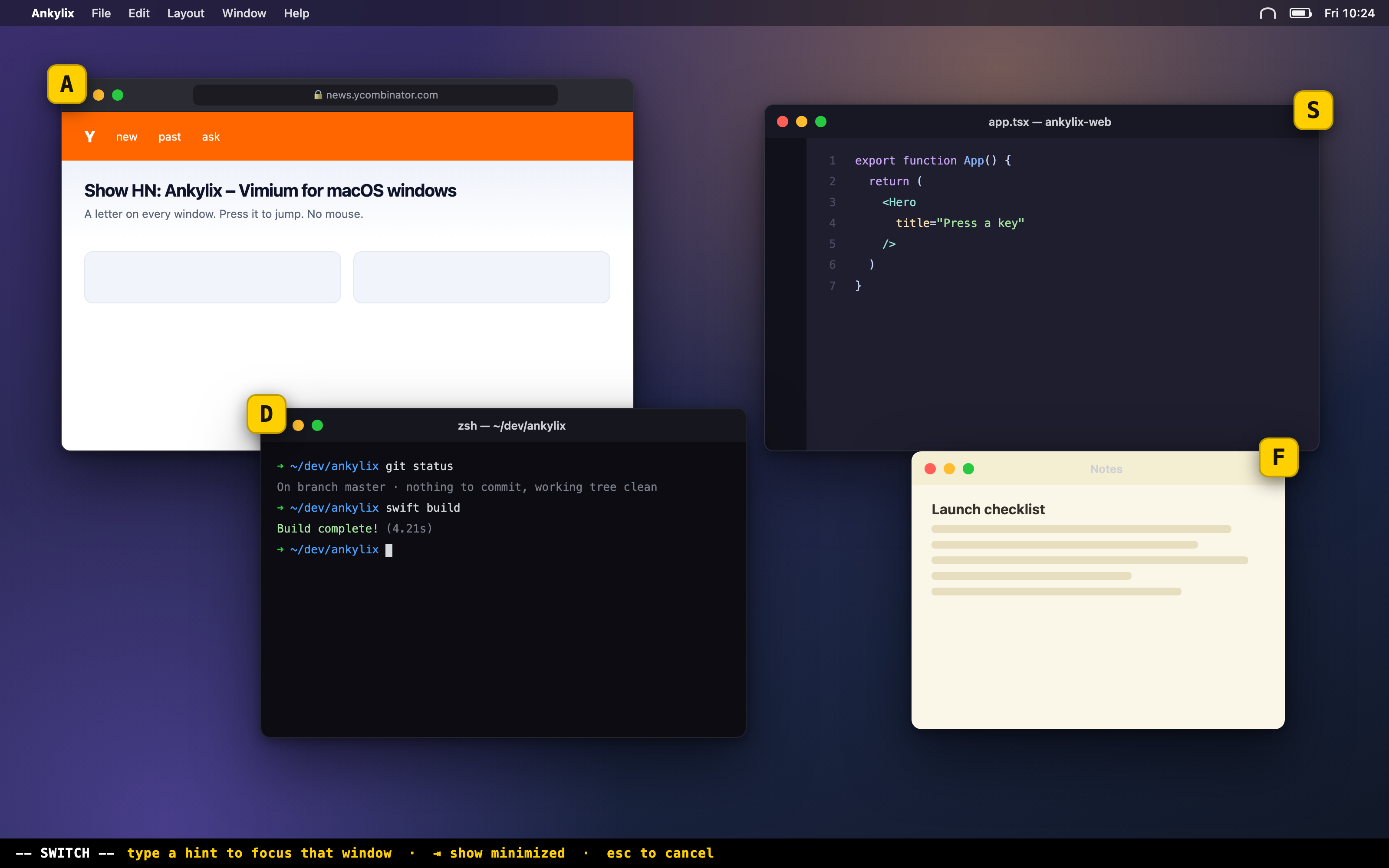
| Letter hints | Focus the matching window. |
| Toggle key | Show / hide the panel of minimized windows. |
| esc | Cancel. |
Every overlay is fully themeable. Each mode has its own appearance tab where you can tune colors, text size, borders, corner radius and label position — with a live preview — and save your favourite looks as themes you can switch between.
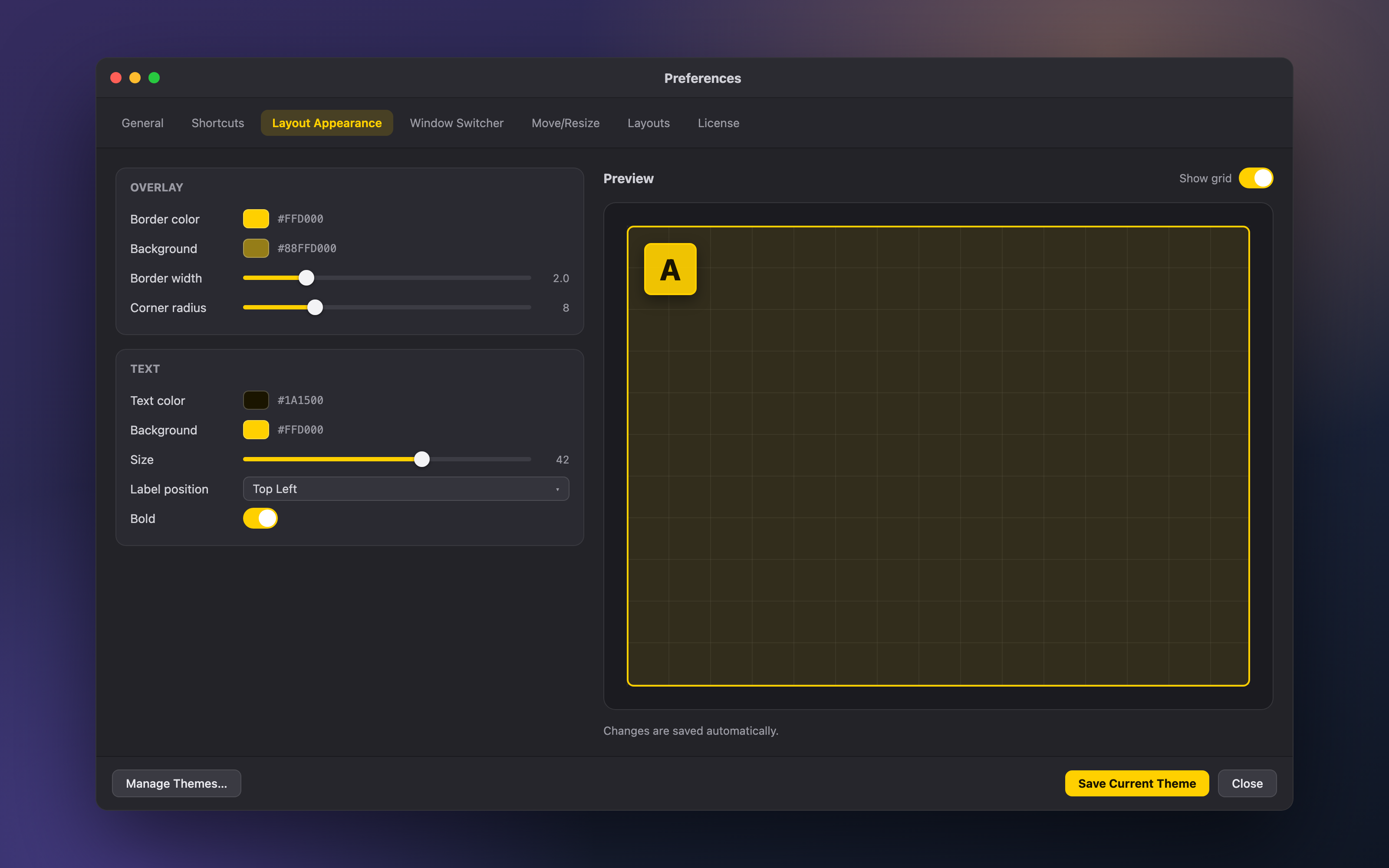
Where to find everything:
| Shortcuts | Set the trigger and in-mode keys for every mode. |
| Layout Appearance | Colors, text size, borders, label position and corner radius for the layout overlay — save and switch themes. |
| Window Switcher Appearance | Style the switcher hints and window-info labels. |
| Move/Resize Appearance | Style the move/resize highlight and hints. |
| Layouts | Pick and order the layouts that show up in layout mode. |
| General | Launch at login, automatic updates, and the Permissions panel. |
 Ankylix